
The Apple Ecosystem is one of the biggest reasons why millions of users choose Apple products. Whether you own an iPhone, iPad, MacBook, Apple Watch, or AirPods, Apple’s seamless integration helps you work smarter, stay connected, and improve productivity. Understanding a few hidden features and tricks can help you unlock the full potential of your devices.
What Is the Apple Ecosystem?
The Apple Ecosystem refers to the interconnected network of Apple devices, software, and services that work together effortlessly. Features such as iCloud, AirDrop, Handoff, Universal Clipboard, and Continuity Camera allow users to switch between devices without interruption.
By taking advantage of these features, you can save time and enjoy a smoother digital experience.
Use Handoff for Seamless Device Switching
One of the most useful Apple ecosystem features is Handoff. This feature allows you to start a task on one Apple device and continue it on another.
For example:
- Start writing an email on your iPhone and finish it on your Mac.
- Browse a website on your iPad and continue reading on your MacBook.
- Edit notes across devices instantly.
To enable Handoff, go to Settings > General > AirPlay & Handoff on your iPhone and ensure it is turned on.
Share Files Instantly with AirDrop
AirDrop remains one of the fastest ways to transfer files between Apple devices. You can send photos, videos, documents, contacts, and links without using email or messaging apps.
AirDrop Tips:
- Keep Wi-Fi and Bluetooth enabled.
- Set visibility to “Contacts Only” for better privacy.
- Use AirDrop for high-quality photo sharing without compression.
This feature is particularly useful for professionals who frequently transfer files between their iPhone and Mac.
Copy and Paste Across Devices
Many Apple users are unaware of Universal Clipboard. This feature lets you copy content on one Apple device and paste it on another.
For example:
- Copy a phone number on your iPhone.
- Paste it directly into a document on your MacBook.
The feature works automatically when all devices are signed in with the same Apple ID.

Unlock Your Mac with Apple Watch
If you own both an Apple Watch and a Mac, you can unlock your computer automatically without entering a password.
Benefits:
- Faster login experience.
- Improved convenience.
- Secure authentication.
Simply enable the feature under System Settings > Touch ID & Password on your Mac.
Use Continuity Camera for Better Productivity
Continuity Camera transforms your iPhone into a powerful webcam for your Mac. Since modern iPhones often have superior cameras compared to built-in laptop webcams, video calls look much clearer.
You can also:
- Scan documents directly into Mac applications.
- Take photos on your iPhone and instantly insert them into documents.
This is especially useful for remote workers, students, and business professionals.
Sync Everything with iCloud
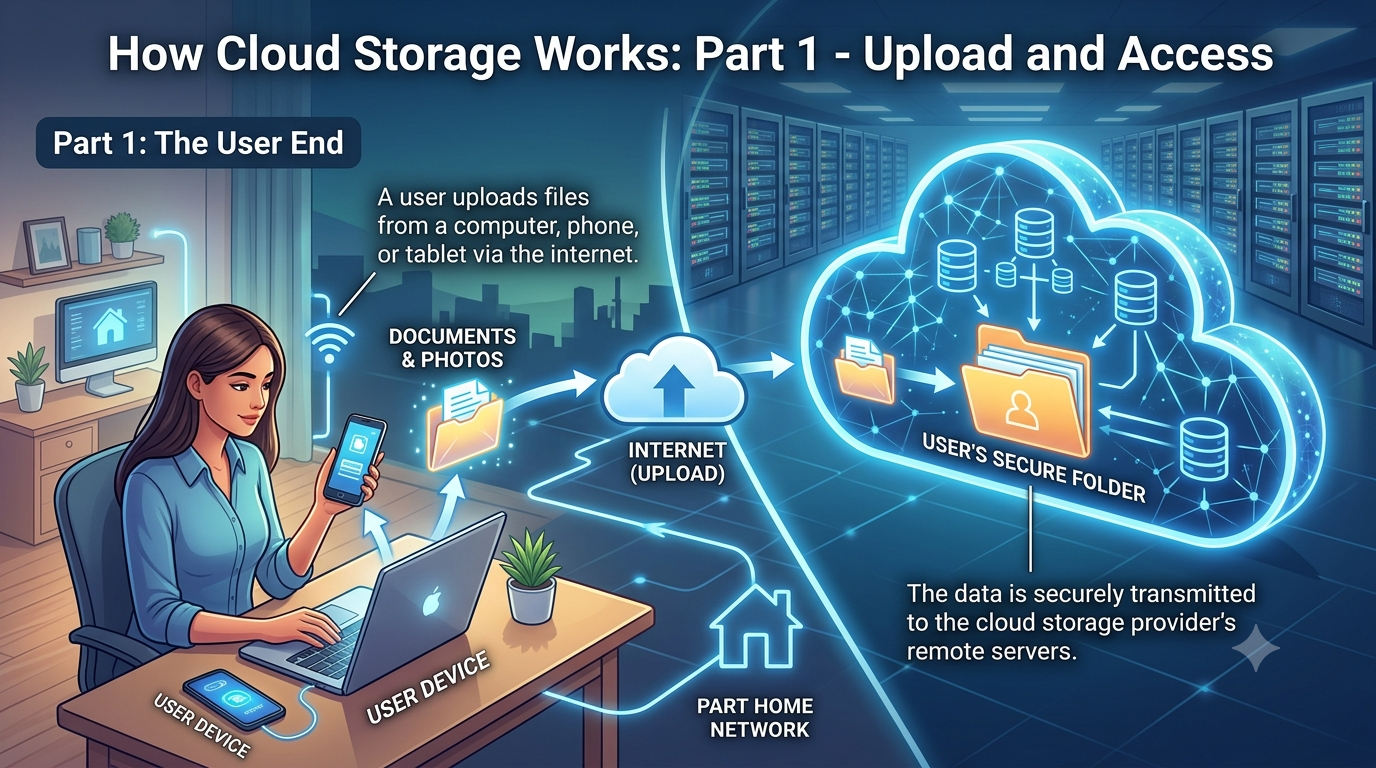
iCloud is the backbone of the Apple ecosystem. It automatically syncs your data across all Apple devices.
You can store:
- Photos
- Notes
- Contacts
- Calendars
- Documents
- Passwords
With iCloud enabled, your information remains accessible regardless of which Apple device you are using.
Find Devices Quickly with Find My
Losing a device can be stressful, but Apple’s Find My feature makes recovery easier.
Features Include:
- Real-time location tracking.
- Lost Mode activation.
- Remote device locking.
- Device location sharing with family members.
This feature provides peace of mind and improves security.
Maximize AirPods Features
AirPods offer more than just wireless audio.
Hidden features include:
- Automatic device switching.
- Audio sharing with another pair of AirPods.
- Spatial Audio for immersive sound.
- Conversation Awareness on supported models.
These features create a seamless listening experience across the Apple ecosystem.
Create a Smart Home with HomeKit
Apple HomeKit allows users to control smart home devices through the Home app or Siri.
You can automate:
- Smart lights
- Security cameras
- Door locks
- Thermostats
HomeKit offers strong privacy protections while making daily tasks more convenient.
The Apple ecosystem stands out because of its seamless connectivity, security, and ease of use. Features like Handoff, AirDrop, Universal Clipboard, iCloud synchronization, and Continuity Camera help users move effortlessly between devices. By learning and using these Apple ecosystem tips and tricks, you can boost productivity, enhance convenience, and get maximum value from your Apple products.
Whether you’re a casual user or a professional, mastering the Apple ecosystem can significantly improve your digital lifestyle and make everyday tasks faster and more efficient.
Effects of AI in Upcoming Technology
Manhole – Essential Access Points in Urban Infrastructure
RCPC Manhole Covers and Frames
Read Also : Social Network Website Design