
A home Wi-Fi network connects smartphones, laptops, smart TVs, gaming consoles, and smart home devices to the internet. While Wi-Fi offers convenience, it can also become a target for cybercriminals if not properly secured. An unsecured network may allow hackers to access personal information, monitor online activity, or use your internet connection without permission. Learning how to secure home Wi-Fi is essential for maintaining online privacy and protecting your digital life.
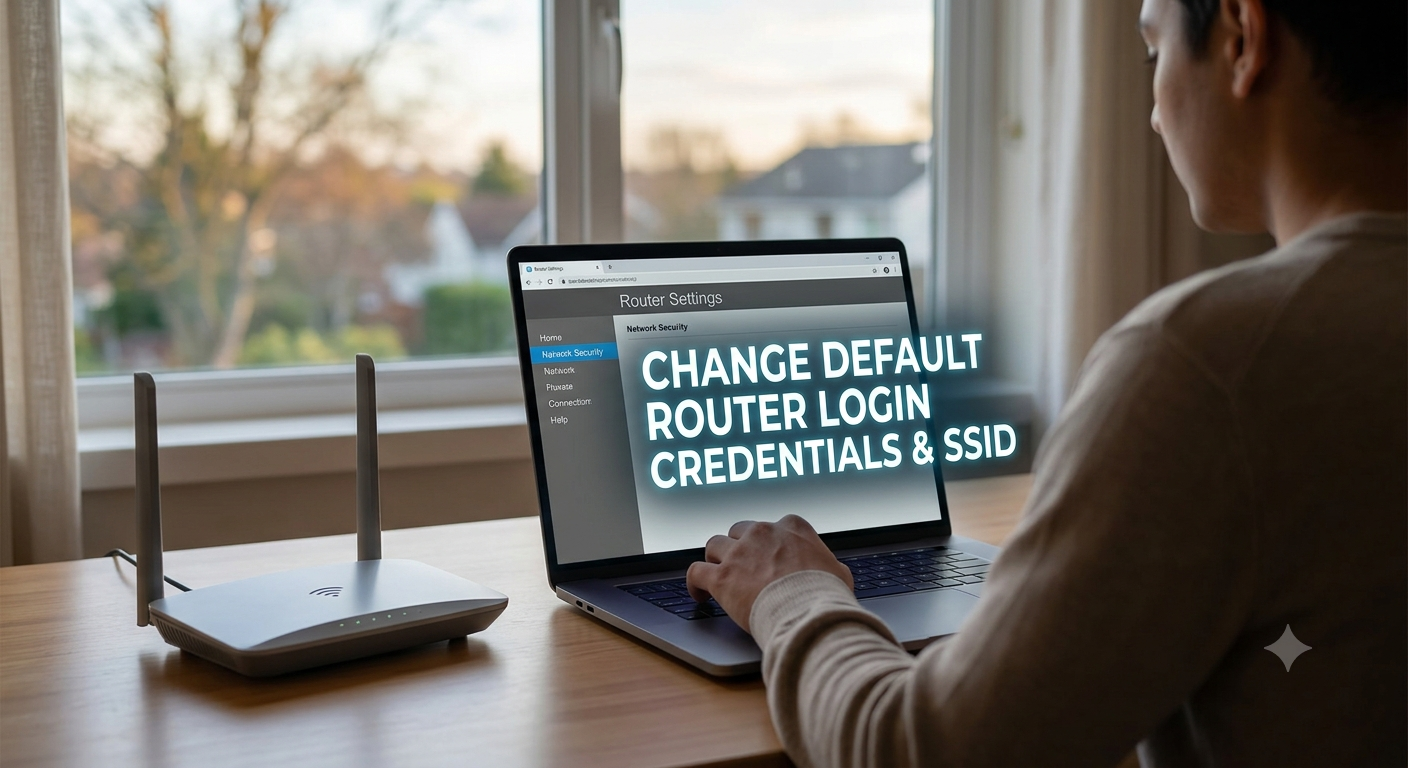
Change the Default Router Login Credentials
One of the first steps in securing your home Wi-Fi network is changing the default router username and password. Many routers come with factory-set credentials that are widely known and easy for attackers to find online.
Create a strong administrator password that includes a combination of uppercase letters, lowercase letters, numbers, and special characters. Refrain from disclosing personal information like names, birthdays, or phone numbers.
Use a Strong Wi-Fi Password
Your Wi-Fi password serves as the first line of defense against unauthorized access. Weak passwords can be cracked quickly using automated tools.
Choose a password that is at least 12 to 16 characters long and contains a mix of letters, numbers, and symbols. Regularly updating your Wi-Fi password can provide an additional layer of protection and prevent unwanted users from accessing your network.
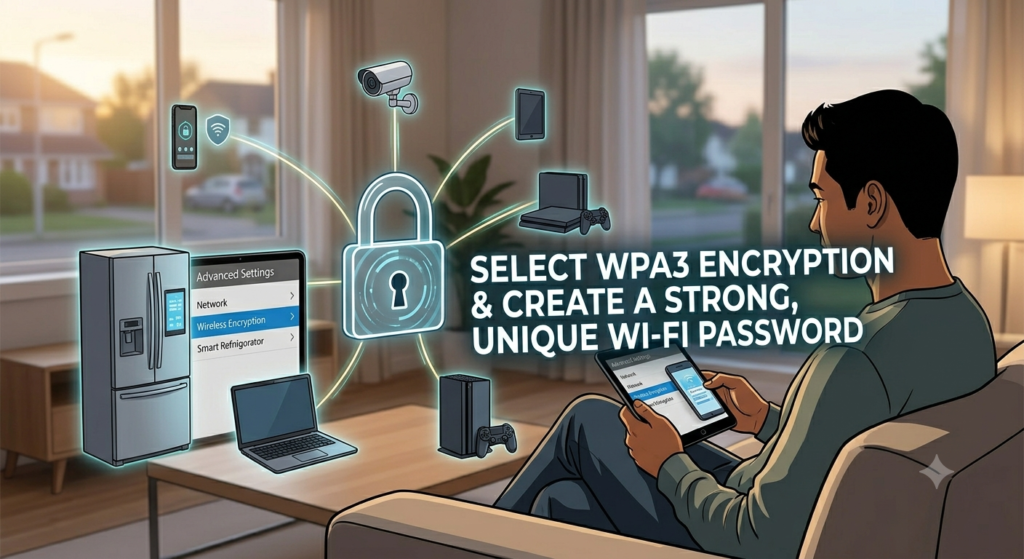
Enable WPA3 or WPA2 Encryption
The data exchanged between your devices and the router is secured by encryption. Modern routers support WPA3 encryption, which is currently the most secure wireless security standard available.
If your router does not support WPA3, use WPA2 instead. Avoid outdated security protocols such as WEP, as they are vulnerable to cyberattacks and can be easily compromised.
Update Your Router Firmware Regularly
Router manufacturers frequently release firmware updates to fix security vulnerabilities and improve performance. Using outdated firmware can expose your network to known threats.
Check your router settings periodically for updates or enable automatic updates if the feature is available. Keeping your router updated ensures that you benefit from the latest security enhancements.
Change the Default Network Name (SSID)
The Service Set Identifier (SSID) is the name of your Wi-Fi network. Many routers use default names that reveal the router brand or model, which can provide useful information to attackers.
Customize your SSID with a unique name that does not contain personal information such as your address or family name. This simple step can make your network less attractive to potential hackers.
Disable WPS for Better Security
Wi-Fi Protected Setup (WPS) is designed to make connecting devices easier, but it can also create security risks. Attackers may exploit vulnerabilities in the WPS feature to gain unauthorized access to your network.
Disabling WPS through your router settings can significantly reduce this risk and improve overall network security.
Create a Guest Network
If visitors need internet access, avoid sharing your primary Wi-Fi password. Instead, create a separate guest network.
A guest network isolates visitors from your main devices and personal data. This helps prevent accidental access to sensitive files, smart home systems, and other connected devices on your primary network.
Monitor Connected Devices
Regularly review the list of devices connected to your Wi-Fi network. Most routers provide a dashboard where you can see all active connections.
If you notice an unfamiliar device, disconnect it immediately and change your Wi-Fi password. Monitoring your network helps identify unauthorized access before it becomes a serious problem.
Use a Firewall and Antivirus Protection
Most modern routers include built-in firewall features that help block suspicious traffic. Ensure the firewall is enabled to strengthen network security.
Additionally, install reputable antivirus software on your computers and mobile devices. Combining network-level and device-level protection creates a stronger defense against cyber threats.
Secure Home Wi-Fi network is an important step toward protecting your personal information and online privacy. By changing default credentials, enabling strong encryption, updating firmware, using secure passwords, and monitoring connected devices, you can significantly reduce the risk of cyberattacks. Taking these preventive measures today will help keep your internet connection safe, reliable, and protected from unauthorized access.
Effects of AI in Upcoming Technology
Manhole – Essential Access Points in Urban Infrastructure
RCPC Manhole Covers and Frames
Read Also : Social Network Website Design